
Plants vs. Zombies 3: Strategy Meets Chaos
Overview
Plants vs. Zombies™ 3 is a tower defense strategy game that blends casual gameplay with inventive mechanics, inviting players to defend their home from an escalating zombie invasion. Developed by PopCap Games, the title continues the legacy of a beloved franchise by combining familiar gameplay foundations with fresh elements.
The game challenges players to strategically place new and returning plants across dynamic levels, each featuring unique layouts, environmental effects, and escalating zombie threats. This iteration emphasizes creativity through expanded plant abilities, wackier zombie variants, and a revamped narrative centered on Dr. Zomboss’ transformation of Neighborville into a zombie stronghold.
Designed for both casual gamers and long-time fans of the series, Plants vs. Zombies™ 3 offers accessible yet engaging gameplay suitable for short sessions or extended play. Its vibrant visuals and cartoonish animation style enhance the lighthearted tone, making it ideal for players seeking fun, low-pressure entertainment.
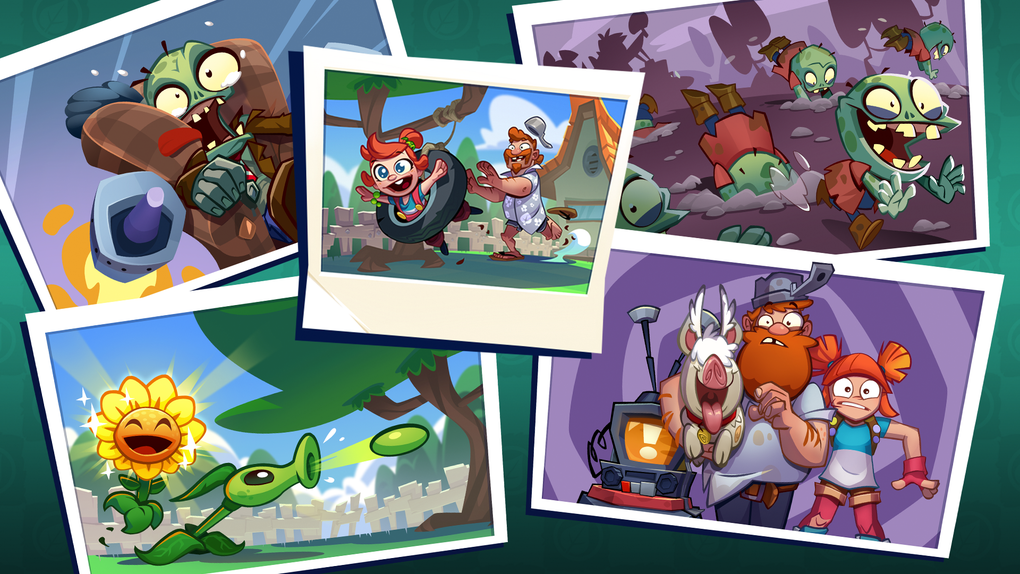
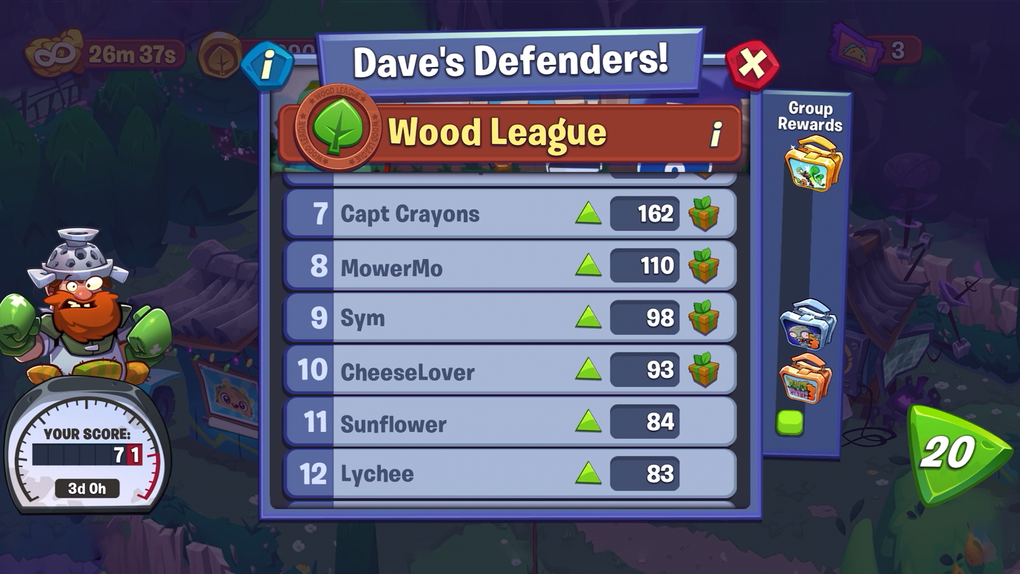
Real-world usage includes solo play during breaks, family gaming sessions, or competitive challenges in local multiplayer modes. The game’s building mode introduces a layer of progression, allowing players to cultivate plants and apply buffs between waves, adding depth to the core defense strategy. While the narrative has been simplified, its focus on visual storytelling and character-driven moments supports the game’s overall charm.
Key Features & Capabilities
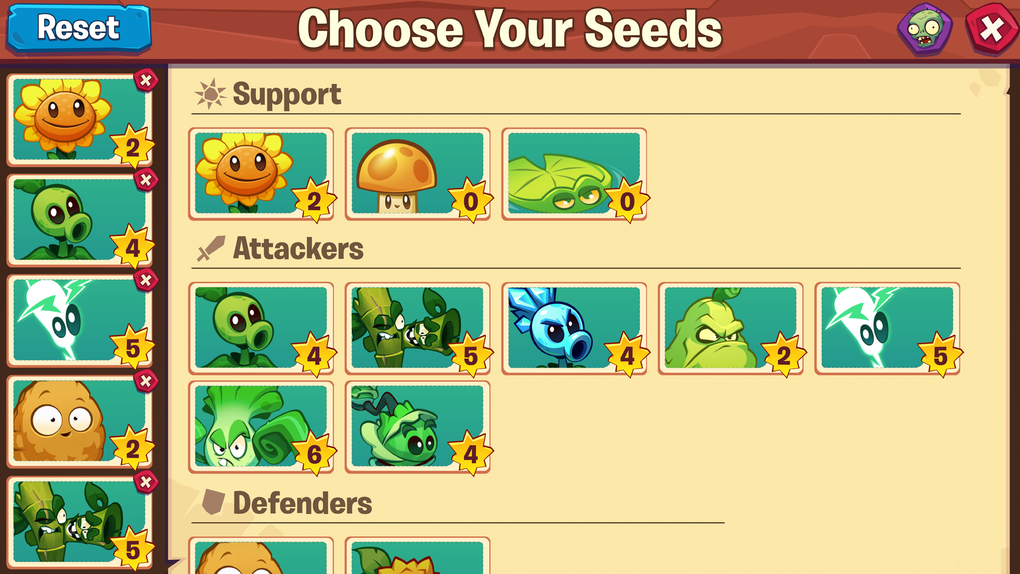
- Strategic Plant Placement: Players select from a growing roster of plants, each with unique abilities such as launching projectiles, creating barriers, or slowing down zombies. Effective positioning is crucial to surviving waves of increasingly complex enemies.
- Wackier Zombie Variants: New zombie types introduce unpredictable behaviors—some wear protective gear, others dig underground or summon reinforcements, requiring adaptive strategies to counter.
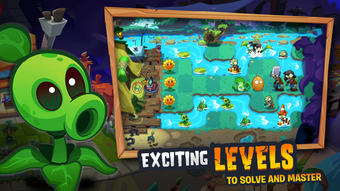
- Dynamic Level Design: Each level features distinct terrain, obstacles, and special conditions like fog, moving platforms, or time-limited objectives, ensuring gameplay remains varied and challenging.
- Building Mode: A new progression system where players can cultivate plants, upgrade their abilities, and apply temporary buffs between battles, enhancing long-term strategy and resource management.
- Visual Overhaul: The game adopts a more cartoonish art style with lively animations and updated sprites, offering a fresh aesthetic while maintaining the franchise’s signature humor.
These features encourage players to experiment with different plant combinations and adapt tactics based on enemy types and level constraints. For example, using a Sunflower to generate resources while deploying a Wall-Nut to block early waves creates a balanced defensive setup. The building mode allows for deeper engagement between levels, turning downtime into a strategic opportunity to prepare for upcoming challenges.
User Interface, Workflow & Performance
The user interface of Plants vs. Zombies™ 3 is clean and intuitive, designed to support quick decision-making during fast-paced gameplay. Main menus are organized into clearly labeled sections—Campaign, Building Mode, Shop, and Settings—offering straightforward navigation. The plant selection panel is accessible at the bottom of the screen, with icons that are easy to identify even during intense moments. Players can drag and drop plants onto the lawn with precision, and tooltips provide immediate feedback on abilities and cooldowns.
Workflow efficiency is enhanced by the game’s responsive controls and minimal loading times between levels. The developer did not specify resource usage details, but general software behavior suggests stable performance on modern systems. The game maintains consistent frame rates during standard gameplay, with no reported instability in the core mechanics. Performance observations are based on general software behavior patterns. The interface remains functional even during high-intensity waves, ensuring that players can focus on strategy without interface lag or input delay.
Compatibility & System Requirements
Plants vs. Zombies™ 3 is available for both Windows and Mac operating systems, ensuring broad accessibility across desktop platforms. The software version is 3.0.1, with an installation size of 2.4 GB.
This size accommodates high-quality assets, including updated animations, sound effects, and visual effects. The developer did not provide additional system requirements, so exact hardware specifications remain unspecified. Compatibility information was partially provided, and users are advised to ensure their system meets minimum standards for running modern casual games.
Installation is straightforward, with a dedicated setup wizard guiding users through the process. The game supports both standard and high-resolution displays, adapting to various screen sizes. No external dependencies or third-party software are required for operation. Players should verify their system’s compatibility with the latest version of the game before installation to avoid potential issues.
Pros and Cons
Pros
- Engaging tower defense gameplay with strategic depth
- Updated visuals and lively animations enhance the experience
- Introduction of building mode adds progression and customization
- Accessible to casual players and nostalgic fans alike
- Free to download and play with no in-app purchase pressure
Cons
- Some players may dislike the graphical overhaul of iconic characters
- Simplified narrative may not appeal to story-driven players
- Exact system requirements were not listed
- Performance details were not provided by the developer
FAQ Section
Is Plants vs. Zombies 3 free to play?
Yes, the game is available at no cost. There are no upfront fees, and players can access core gameplay features without purchasing in-game items.
What operating systems does the game support?
Plants vs. Zombies™ 3 is compatible with both Windows and Mac systems. The game is designed to run on modern desktop environments.
Is the game safe to download and install?
As a title developed by PopCap Games, a reputable studio known for its family-friendly content, the game is considered secure. It does not require external dependencies and installs through official channels.
Does the game require an internet connection?
The game supports offline play for core campaign and building mode features. However, some updates or cloud sync options may require an internet connection.
How often are updates released?
PopCap Games typically releases updates to introduce new plants, levels, and balance changes. The frequency varies but is generally consistent with ongoing support for the franchise.
Final Thoughts
Plants vs. Zombies™ 3 delivers a vibrant and strategic evolution of a classic franchise. With its blend of accessible mechanics, fresh visuals, and the innovative building mode, it successfully appeals to both returning fans and new players.
While the simplified narrative and graphical redesign may not resonate with everyone, the core gameplay remains strong and enjoyable. The game’s free-to-play model removes financial barriers, making it an ideal choice for casual entertainment. For strategy enthusiasts and fans of tower defense games, this title offers a rewarding experience without compromise.
Download Plants vs. Zombies 3 now and defend your lawn against the next wave of chaos.







